
You can login to your webmail by going into your cpanel account. and click email accounts, in the second page, there is a link to your webmail.
webmail link click the webmail link, you will go to following page:

Click to Buy Shared Web Hositng from $2.78 per month
Click to WordPress Web Hositng from $7.47 per month
Click to WordPress Web Hositng from $7.47 per month
Click “Got it” and you will go to following page:
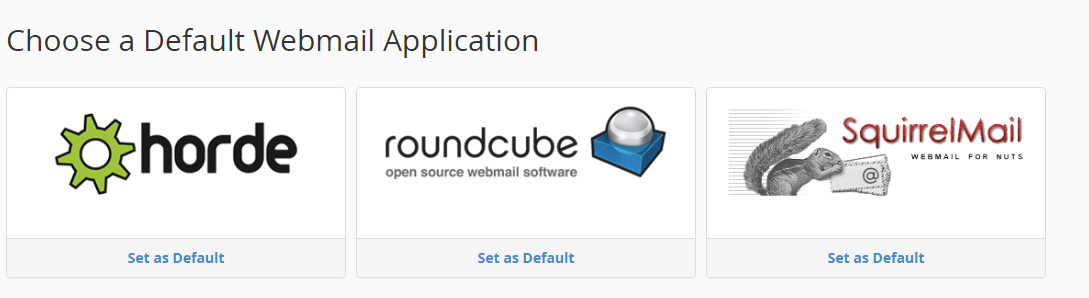
Select the webmail application you want.
You can also go to your webmail account directly.
After adding email accounts, you can check them through cPanel’s built-in webmail clients (Roundcube, Squirrel Mail, and Horde Mail) by going to one of the following:
- http://your domain name/webmail
- http://webmail.your domain name
After logging in, you have to choose which webmail client you want to use.