
If you forget your itheme backend url, you can check your .htaccess file and find it.
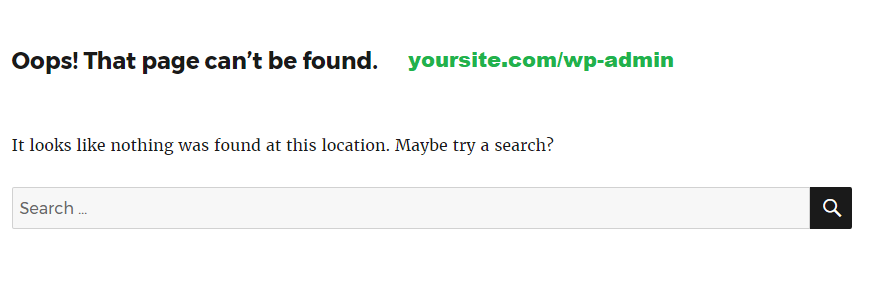
- 1 forget your backend URl
Click to Buy Shared Web Hositng from $2.78 per month
Click to WordPress Web Hositng from $7.47 per month
Click to WordPress Web Hositng from $7.47 per month
2. find it in your htaccess file
Open your file manager. go to your htaccess file in your home directory, and open your ftaccess file. Your backend hidden folder is here

BEGIN iThemes Security – Do not modify or remove this line
# iThemes Security Config Details: 2
# Enable the hide backend feature – Security > Settings > Hide Login Area > Hide Backend
RewriteRule ^(/)?YourHiddenfolderHere/?$ /wp-login.php [QSA,L]
RewriteRule ^(/)?wp-register-php/?$ /wplogin?action=register [QSA,L]
# END iThemes Security – Do not modify or remove this line