
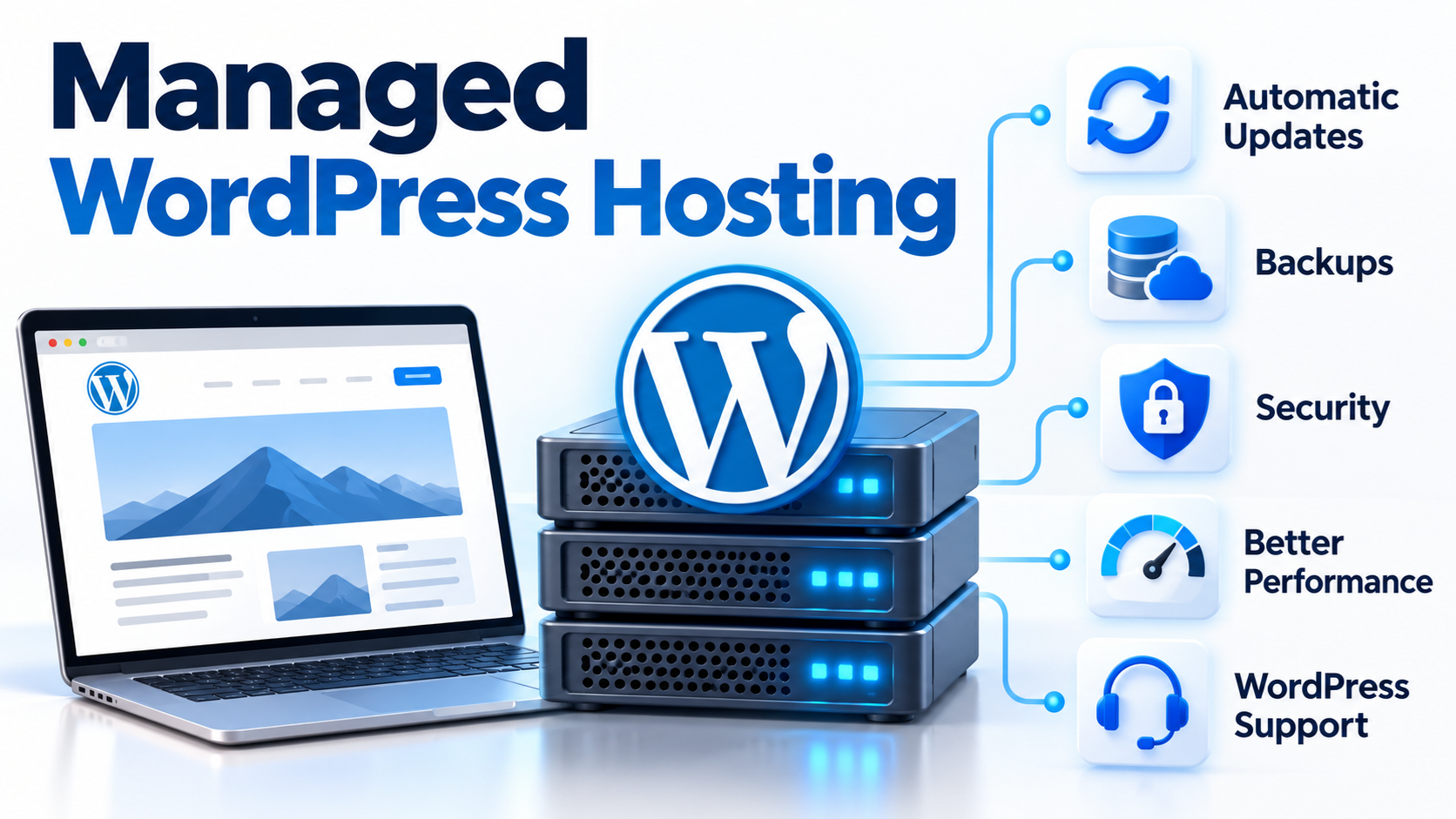
Managed WordPress Hosting is a type of web hosting designed specifically for WordPress websites, with many of the technical tasks required to run WordPress handled by the hosting provider.
A normal web hosting account gives you server space and the tools needed to run a website. With managed WordPress hosting, the provider usually goes further by helping manage important areas such as WordPress updates, backups, security, caching, performance, and server configuration.
The goal is simple: make WordPress easier to run, faster to maintain, and less dependent on manual server administration.
For website owners who want to focus on content, products, customers, or business operations instead of server maintenance, managed WordPress hosting can be an attractive option.
How Is Managed WordPress Hosting Different from Regular Hosting?
WordPress can run on many types of hosting.
For example, you can install WordPress on:
- Shared hosting
- VPS hosting
- Cloud servers
- Dedicated servers
As long as the hosting environment supports the required PHP version, database software, and web server configuration, WordPress can normally run.
The difference is that regular hosting is often designed to support many different applications.
Managed WordPress hosting is optimized specifically around WordPress.
Instead of giving you only server resources, the hosting provider may also manage or assist with tasks that are especially important for WordPress websites.
These may include:
- WordPress installation
- WordPress core updates
- Plugin and theme management
- Automatic backups
- Malware monitoring
- Security hardening
- Server-level caching
- SSL configuration
- Performance optimization
- Staging environments
- WordPress-specific technical support
The exact features vary from one provider to another, so “managed WordPress hosting” does not always mean the same thing everywhere.
What Does “Managed” Mean?
The word managed means that some technical responsibilities are handled by the hosting provider instead of being left entirely to the customer.
With unmanaged hosting, you may be responsible for configuring the server, installing software, applying updates, setting up backups, monitoring security, and troubleshooting technical problems.
With managed hosting, the provider takes responsibility for some of those tasks.
How much they manage depends on the service.
Some managed WordPress plans handle only basic updates and backups.
More comprehensive services may also manage server security, caching, WordPress performance, malware scanning, staging, and technical troubleshooting.
Therefore, when comparing hosting plans, it is important to look beyond the word “managed” and check exactly what is included.
Automatic WordPress Updates
One of the most important parts of maintaining a WordPress website is keeping the software current.
WordPress websites normally include:
- WordPress core
- Themes
- Plugins
All of these can receive updates.
Updates may include new features, bug fixes, compatibility improvements, and security patches.
Managed WordPress hosting may automatically apply certain updates or provide tools that make updates easier to control.
This is important because outdated WordPress installations, themes, and plugins can create security vulnerabilities.
However, automatic updates should still be handled carefully.
A major plugin or theme update can sometimes create compatibility problems.
For this reason, better hosting environments may combine updates with backups, testing, or staging tools.
What Is a Staging Website?
A staging website is a private copy of your live website used for testing.
Suppose you want to:
- Update a theme
- Install a new plugin
- Change the website design
- Modify PHP code
- Test a major WordPress update
Instead of making the change directly on the live website, you can first test it in a staging environment.
If everything works correctly, the changes can then be applied to the production website.
This reduces the risk of accidentally breaking a live website.
Staging is especially useful for business websites and online stores where downtime can affect customers and revenue.
Automatic Backups
Backups are one of the most important features of any WordPress hosting service.
A backup creates a copy of your website that can be restored if something goes wrong.
A complete WordPress backup normally includes:
- WordPress files
- Themes
- Plugins
- Uploaded images
- Configuration files
- Database content
Backups can help recover from:
- Failed updates
- Plugin conflicts
- Accidental file deletion
- Database corruption
- Website hacking
- Human mistakes
- Server problems
Managed WordPress hosting may automatically create backups on a regular schedule.
Some providers also allow customers to restore a previous version of the site with only a few clicks.
Whenever possible, backups should be stored separately from the live website.
If all backup copies exist only on the same server, a serious server failure or security incident could affect both the website and the backups.
WordPress Security
WordPress security involves much more than installing a security plugin.
A WordPress site depends on many components, including:
- The operating system
- Web server software
- PHP
- The database server
- WordPress core
- Themes
- Plugins
- User accounts
- File permissions
- Network configuration
Managed WordPress hosting can help reduce the security burden by applying protection at the server level.
Depending on the provider, this may include:
- Malware scanning
- Firewall protection
- Login protection
- File monitoring
- Security updates
- SSL certificates
- Server hardening
- Brute-force protection
- Blocking known malicious traffic
- Monitoring suspicious activity
However, managed hosting does not mean that a website can never be hacked.
Website owners must still use strong passwords, protect administrator accounts, remove unused plugins, and follow good security practices.
Security works best when multiple layers of protection are used together.
What Is Server-Level Caching?
WordPress dynamically generates web pages using PHP and a database.
When someone visits a page, WordPress may need to:
- Run PHP code
- Query the database
- Load plugin functions
- Process the theme
- Generate the final HTML page
Repeating this process for every visitor can consume server resources.
Caching reduces this workload.
A cache stores previously generated information so it can be reused.
Managed WordPress hosting may include server-level caching that works before WordPress has to perform all of its normal processing.
This can reduce page generation time and lower CPU and database usage.
Depending on the hosting environment, caching may include:
- Page caching
- Object caching
- Browser caching
- Database-related caching
- CDN caching
A properly configured caching system can significantly improve WordPress performance.
What Is a CDN?
A CDN, or Content Delivery Network, is a distributed network of servers that helps deliver website content to visitors.
Instead of every visitor downloading images and other static files from the same web server, a CDN can store copies of those files at locations closer to users.
This can improve loading speed, especially for websites with visitors in different countries or regions.
A CDN can also reduce the amount of traffic handled directly by the main WordPress server.
Some managed WordPress hosting services include CDN integration, while others allow you to connect third-party CDN services.
SSL and HTTPS
Modern websites should normally use HTTPS.
HTTPS encrypts communication between the visitor’s browser and the web server.
This helps protect information such as:
- Login credentials
- Form submissions
- Customer information
- Website administration sessions
HTTPS requires an SSL/TLS certificate.
Many modern hosting services provide tools to install and renew SSL certificates automatically.
Managed WordPress hosting may simplify this process so that website owners do not need to manually create certificates and configure the web server.
WordPress Performance Optimization
Website performance depends on more than server hardware.
A WordPress website can become slow because of:
- Too many plugins
- Poorly written plugins
- Large images
- Unoptimized database queries
- Heavy themes
- Excessive JavaScript
- Lack of caching
- Slow external services
- Insufficient server resources
Managed WordPress hosting may provide an environment specifically configured for WordPress workloads.
This can include optimized PHP settings, caching, database tuning, faster storage, and monitoring tools.
However, hosting cannot solve every performance problem.
A badly designed WordPress site can still be slow even on a powerful server.
Good performance requires both a properly configured hosting environment and a well-maintained website.
WordPress-Specific Technical Support
One advantage of managed WordPress hosting is access to technical support that understands WordPress.
With general hosting, support staff may focus mainly on the server and hosting account.
Managed WordPress support may be better equipped to help investigate problems involving:
- WordPress installations
- Plugin conflicts
- Theme issues
- PHP errors
- Database problems
- WordPress updates
- Website performance
- SSL configuration
- Caching
The exact level of support depends on the provider.
Some companies provide only infrastructure support, while others offer deeper WordPress assistance.
Website owners should understand these limits before choosing a hosting plan.
Managed WordPress Hosting vs Shared Hosting
Shared hosting means that multiple customers use the resources of the same physical server.
Shared hosting can work very well for small WordPress websites.
It is usually simple and cost-effective.
However, traditional shared hosting may require the customer to manage more WordPress-specific tasks manually.
Managed WordPress hosting may also use shared infrastructure, but the service is configured specifically for WordPress and includes more management features.
The main difference is therefore not always the physical server.
It is often the level of management, optimization, security, and support.
Managed WordPress Hosting vs VPS Hosting
A VPS, or Virtual Private Server, provides a virtual server environment with allocated computing resources.
A VPS gives the customer more control over the server.
However, more control also means more responsibility.
With an unmanaged VPS, you may need to manage:
- Linux updates
- Web server configuration
- PHP
- Database software
- Firewall rules
- Backups
- Security
- Monitoring
Managed WordPress hosting removes much of this administration.
For someone who wants to manage Linux and servers directly, a VPS can provide greater flexibility.
For someone who mainly wants to operate a WordPress website, managed WordPress hosting may be easier.
Managed WordPress Hosting vs Dedicated Hosting
A dedicated server gives one customer access to an entire physical server.
Dedicated servers can provide significant computing resources and administrative control.
They are often used for:
- Large websites
- High-traffic applications
- Multiple websites
- Resource-intensive workloads
- Custom server configurations
However, a dedicated server may require considerable technical administration.
Managed WordPress hosting focuses on the WordPress application rather than simply providing raw server resources.
For many website owners, having more powerful hardware is less important than having a properly configured and maintained WordPress environment.
Who Should Use Managed WordPress Hosting?
Managed WordPress hosting can be useful for many types of website owners.
Small Businesses
Small businesses may not have a dedicated system administrator.
Managed hosting allows them to focus on their website content and customers instead of maintaining server software.
Bloggers and Content Publishers
Bloggers can concentrate on writing and publishing while the hosting provider handles many technical maintenance tasks.
Online Stores
WooCommerce websites may benefit from backups, security, caching, performance monitoring, and staging environments.
E-commerce sites are especially sensitive to downtime and technical problems.
Agencies and Developers
Web designers and developers managing multiple WordPress websites can save time by using centralized tools for backups, staging, updates, and monitoring.
Website Owners Without Server Experience
You do not need to become a Linux administrator just to run a WordPress website.
Managed hosting can reduce the amount of server knowledge required.
Who Might Not Need Managed WordPress Hosting?
Managed WordPress hosting is not necessary for everyone.
An experienced system administrator may prefer to manage a VPS, cloud server, or dedicated server directly.
Developers may also require software, server configurations, or access levels that a managed platform does not allow.
Managed environments sometimes restrict certain plugins, server settings, or custom software in order to maintain security and performance.
Therefore, users who want complete server control may prefer traditional VPS or dedicated hosting.
Is Managed WordPress Hosting Faster?
It can be, but the word “managed” by itself does not guarantee speed.
Performance depends on many factors, including:
- Server hardware
- CPU resources
- Memory
- Storage performance
- PHP configuration
- Database performance
- Caching
- CDN usage
- Theme quality
- Plugin quality
- Image optimization
- Website traffic
A well-configured managed WordPress environment can reduce many common performance bottlenecks.
However, website design and software quality remain important.
Is Managed WordPress Hosting More Secure?
Managed WordPress hosting can provide stronger security management because the hosting provider may actively maintain and monitor the WordPress environment.
But no hosting service can guarantee that a website will never be compromised.
Security also depends on how the website is managed.
For example, a customer who uses a weak administrator password or installs an untrusted plugin can still create security problems.
Managed hosting reduces risk and administrative workload, but it does not eliminate the need for responsible website management.
Is Managed WordPress Hosting Worth It?
The value depends on what you need.
If you enjoy managing servers, configuring Linux, troubleshooting PHP, maintaining databases, and building your own backup and security systems, traditional hosting may give you more flexibility.
If your priority is running the website rather than managing the infrastructure, managed WordPress hosting may save significant time.
The real benefit is not simply server space.
It is the combination of:
- WordPress-focused infrastructure
- Automated maintenance
- Backups
- Security
- Performance optimization
- Monitoring
- Easier troubleshooting
- Specialized support
For many businesses, the time saved can be more valuable than the difference in hosting cost.
What Should You Look for in Managed WordPress Hosting?
Before choosing a managed WordPress hosting provider, consider the following questions:
Does the plan include automatic backups?
How long are backups retained?
Can you restore a backup yourself?
Are WordPress updates managed?
Are plugin updates handled automatically?
Is a staging environment available?
Is SSL included?
Is caching included?
Is CDN integration available?
What malware protection is provided?
What happens if the website is hacked?
What level of WordPress support is included?
Are email services included?
Are there limits on visitors, storage, or bandwidth?
Can you access website files through SFTP?
Can you access the database?
Can you migrate the website to another provider later?
Understanding these details is much more useful than simply choosing a service because it has the word “managed” in its name.
Conclusion
Managed WordPress Hosting is a hosting service designed to make running a WordPress website easier.
Instead of giving customers only storage space and server resources, a managed service can take responsibility for many of the technical tasks involved in operating WordPress.
These tasks may include updates, backups, caching, security, monitoring, SSL, performance optimization, staging, and WordPress-specific support.
For businesses, bloggers, online stores, and website owners who do not want to spend their time managing servers, managed WordPress hosting can provide a practical balance between flexibility and convenience.
It does not remove every responsibility from the website owner, and it cannot guarantee that a website will never experience a technical or security problem.
But a properly managed WordPress environment can reduce maintenance work, improve reliability, and allow website owners to spend more time working on their websites instead of working on their servers.