
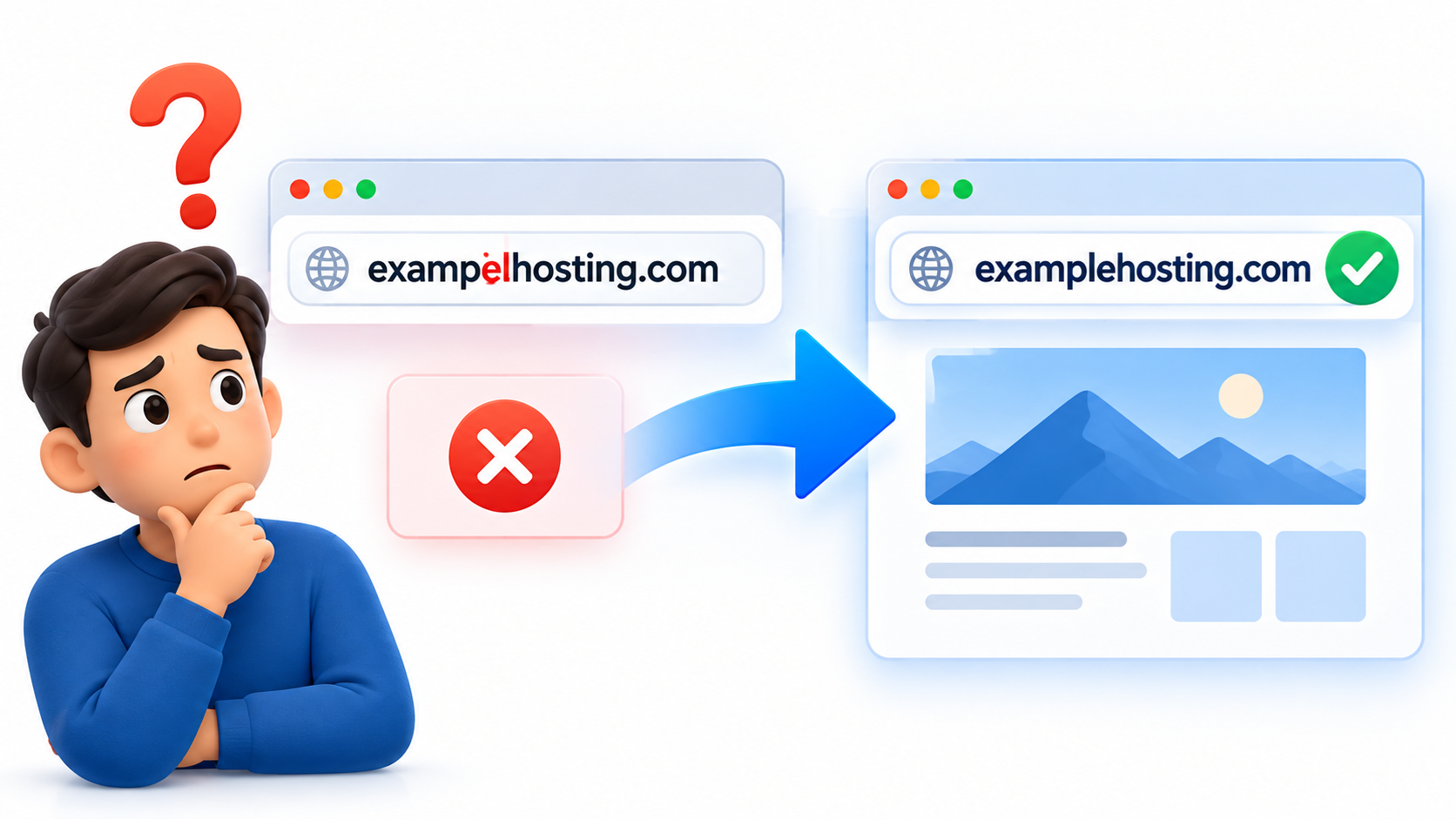
If you misspelled your domain name when you registered it, the situation is usually simple but important to understand:
A registered domain name normally cannot be edited or renamed.
Domain registrations are based on the exact spelling you submit. If you accidentally register the wrong domain, changing one letter generally means registering a different domain name.
For example, if you intended to register: examplehosting.com
but accidentally registered: exampelhosting.com
those are two completely different domain names.
Can I Correct the Spelling of a Registered Domain?
Usually, no.
Once a domain name has been successfully registered, the registry treats that exact domain as the registered name.
You cannot normally open the domain settings and simply correct the spelling.
If the correct domain name is still available, the usual solution is to register the correct one separately.
What Should I Do First?
The first thing to do is check whether the correctly spelled domain name is still available.
If it is available, register it as soon as possible.
Domain names are registered on a first-come, first-served basis, so waiting too long could allow someone else to register the name you originally wanted.
After you register the correct domain, you can decide what to do with the misspelled one.
Can I Cancel the Misspelled Domain?
That depends on the registrar and the domain extension.
Some domain registrars may provide a short cancellation or grace period for certain domain extensions, while others do not.
Domain registration fees are often non-refundable because the registrar may have already paid the registry for the registration.
The rules can also vary depending on the top-level domain.
For example:
- .com
- .net
- .org
- .ca
- .io
- .co
may have different registry policies.
Do not assume that a domain registration can be refunded simply because the name was entered incorrectly.
Should I Keep the Misspelled Domain?
Sometimes keeping it can be useful.
If the mistake is a common misspelling of your business or brand name, you may want to keep the domain and redirect visitors to the correct website.
For example:
exampelhosting.com → examplehosting.com
This can help users who accidentally type the wrong spelling.
It can also prevent another person from registering that misspelled version later.
For a business, purchasing a few common misspellings can sometimes be useful for brand protection.
What Is a Domain Redirect?
A domain redirect automatically sends visitors from one domain to another.
For example, if someone visits:
exampelhosting.com
they can automatically be redirected to:
examplehosting.com
This means the misspelled domain does not need to host a separate website.
It simply forwards visitors to the correct domain.
A redirect is especially useful if the incorrect domain has already been printed on business cards, advertisements, emails, or other materials.
What If I Already Built My Website on the Wrong Domain?
You can still move the website to the correct domain.
The process usually involves:
- Registering the correct domain.
- Pointing the correct domain to your hosting account.
- Updating your website configuration.
- Changing internal URLs if necessary.
- Installing or updating the SSL certificate.
- Redirecting the old domain to the new domain.
- Testing links, images, forms, and email.
If you are using WordPress, the WordPress Address and Site Address may also need to be updated.
Large or complex websites may require additional search-and-replace work inside the database to update old URLs.
What If Search Engines Already Indexed the Wrong Domain?
If the website has already been online for some time, search engines may have indexed pages under the incorrect domain.
In that case, do not simply abandon the old domain immediately.
Instead, use permanent redirects from the old URLs to the corresponding new URLs.
A 301 redirect tells browsers and search engines that a page has permanently moved.
For example:
exampelhosting.com/about
→
examplehosting.com/about
This helps visitors reach the correct site and can help search engines understand that the website moved to a new domain.
The old domain should normally remain registered for some time so the redirects continue working.
What About Email Addresses?
A misspelled domain can also affect email.
For example, you may have created:
sales@exampelhosting.com
when you actually wanted:
sales@examplehosting.com
After registering the correct domain, create the correct email addresses and update your website, business cards, invoices, contact forms, and other materials.
If practical, you may also keep the old email domain active temporarily and forward messages to the correct addresses.
This can help prevent lost messages from customers who are still using the old address.
Can I Transfer the Misspelled Domain Into the Correct One?
No.
A domain transfer moves a domain from one registrar to another.
It does not change the domain name itself.
For example, transferring:
exampelhosting.com
from Registrar A to Registrar B still leaves you with:
exampelhosting.com
A transfer changes who manages the registration, not the spelling of the domain.
Can I Change the Domain Extension Instead?
Changing the extension also means registering another domain.
For example:
example.com
and
example.net
are separate domain names.
You cannot normally convert one into the other.
If you registered the wrong extension, you need to register the correct domain extension separately if it is available.
Why Should You Double-Check a Domain Before Registering?
A domain name becomes part of your website identity.
It may appear on:
- Your website
- Email addresses
- Business cards
- Advertising
- Social media
- Search engines
- Invoices
- Customer accounts
- Product packaging
A small spelling mistake can become much more difficult to fix after the domain has been widely used.
Before registering a domain, check:
- Spelling
- Plural vs. singular
- Hyphens
- Numbers
- Domain extension
- Brand name
- Possible confusing letters
It is especially important to look carefully at words containing letters that are easy to transpose.
What About International Domain Names?
Internationalized Domain Names, sometimes called IDNs, can contain characters from languages other than basic English letters.
These domains require additional care because some characters may look very similar even though they are technically different.
When registering an international domain, make sure the characters are exactly the ones you intended to use.
What If Someone Else Owns the Correct Domain?
If the correctly spelled domain is already registered, you have several options.
You may be able to:
- Choose another domain name
- Use a different domain extension
- Contact the current owner and ask whether the domain is for sale
- Use a variation of your business name
- Add a descriptive word to the domain
For example, if:
example.com
is unavailable, possible alternatives might include:
examplehosting.com
exampleweb.com
exampleonline.com
The best choice depends on your business and branding.
Avoid Rushing a Domain Purchase
Domain registration takes only a few minutes, but the name may be used for many years.
It is worth taking a few extra moments to verify the spelling before completing the order.
A good practice is to:
- Type the domain.
- Read it slowly.
- Ask someone else to check it.
- Copy and paste it into a text editor.
- Confirm the extension.
- Check how it looks in lowercase.
This simple review can prevent an expensive or inconvenient mistake.
Frequently Asked Questions
Can I edit one letter in my registered domain?
Normally, no. A domain registration is tied to the exact name registered. You usually need to register the correctly spelled domain separately.
Can I get a refund if I made a typo?
Possibly, but it depends on the registrar and the domain extension. Many domain registration fees are non-refundable.
Can I redirect the wrong domain to the correct domain?
Yes. This is often a good option, especially if the misspelled domain is a common typing mistake.
Can I move my WordPress site to the correct domain?
Yes. The website can be moved, but WordPress settings, links, database URLs, SSL, and redirects may need to be updated.
Should I keep both domains?
Sometimes. Keeping the misspelled domain can help capture typing mistakes and protect your brand.
Does transferring a domain fix the spelling?
No. A domain transfer only changes the registrar managing the domain. It does not change the domain name itself.
Conclusion
If you misspelled your domain name during registration, you normally cannot simply edit the registered name.
The best solution is usually to register the correct domain as soon as possible, then decide whether to cancel, keep, or redirect the misspelled domain.
If your website or email has already started using the incorrect domain, the change requires a little more planning. You may need to update DNS, WordPress settings, SSL certificates, email addresses, internal links, and redirects.
The good news is that a domain typo is usually fixable.
The earlier you catch it, the easier and less expensive the correction will be.