
One of the security method of your WordPress website is to put a stop to browsing of directory.
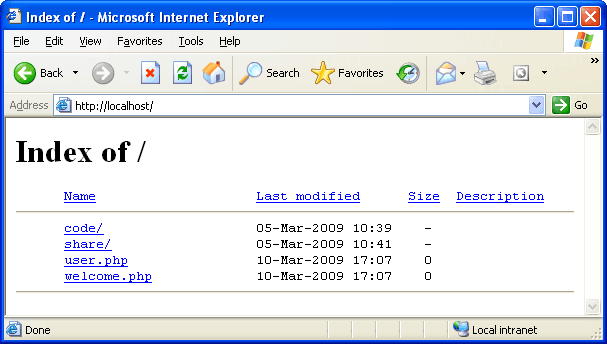
By default when your web server does not find an index file (i.e. a file like index.php or index.html), it automatically displays an index page showing the contents of the directory.
The reasons to disable your directory browsing is for privacy of course, but it will also help against hacking in the way that it will hide your files making you less vulnerable to attack.
Click to WordPress Web Hositng from $7.47 per month
By Default, the directory will show the visitor above information.
You need to disable Directory Browsing in WordPress.
The Best way is to place following line in your htaccess file:
Options -Indexes
You can also disable your directory browsing by login your control panel. and click index. You will go to following page:
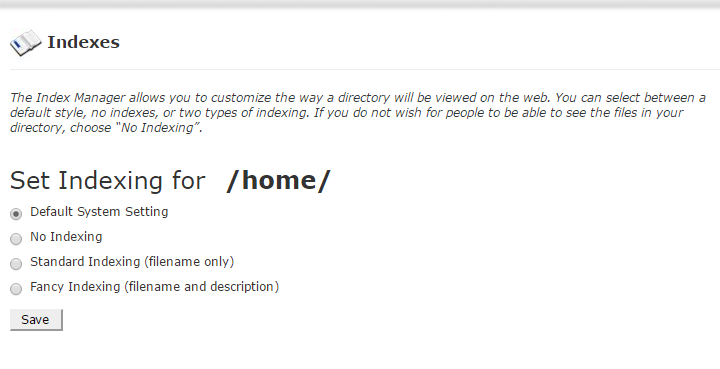
Select No indexing and save.